madison

Hardware 2.0

Adrian Kingsley-Hughes

Windows 8: An installation walk-through

By | September 14, 2011, 12:53pm PDT

Summary: Want to see what the Windows 8 developer build setup looks like? Want to know how to install Windows 8 into a virtual PC? Read on!

Getting a lot of questions about Windows 8 and the setup process so I thought that a quick gallery showing a walk-through of the installation process would answer a lot of questions.

So here it is!
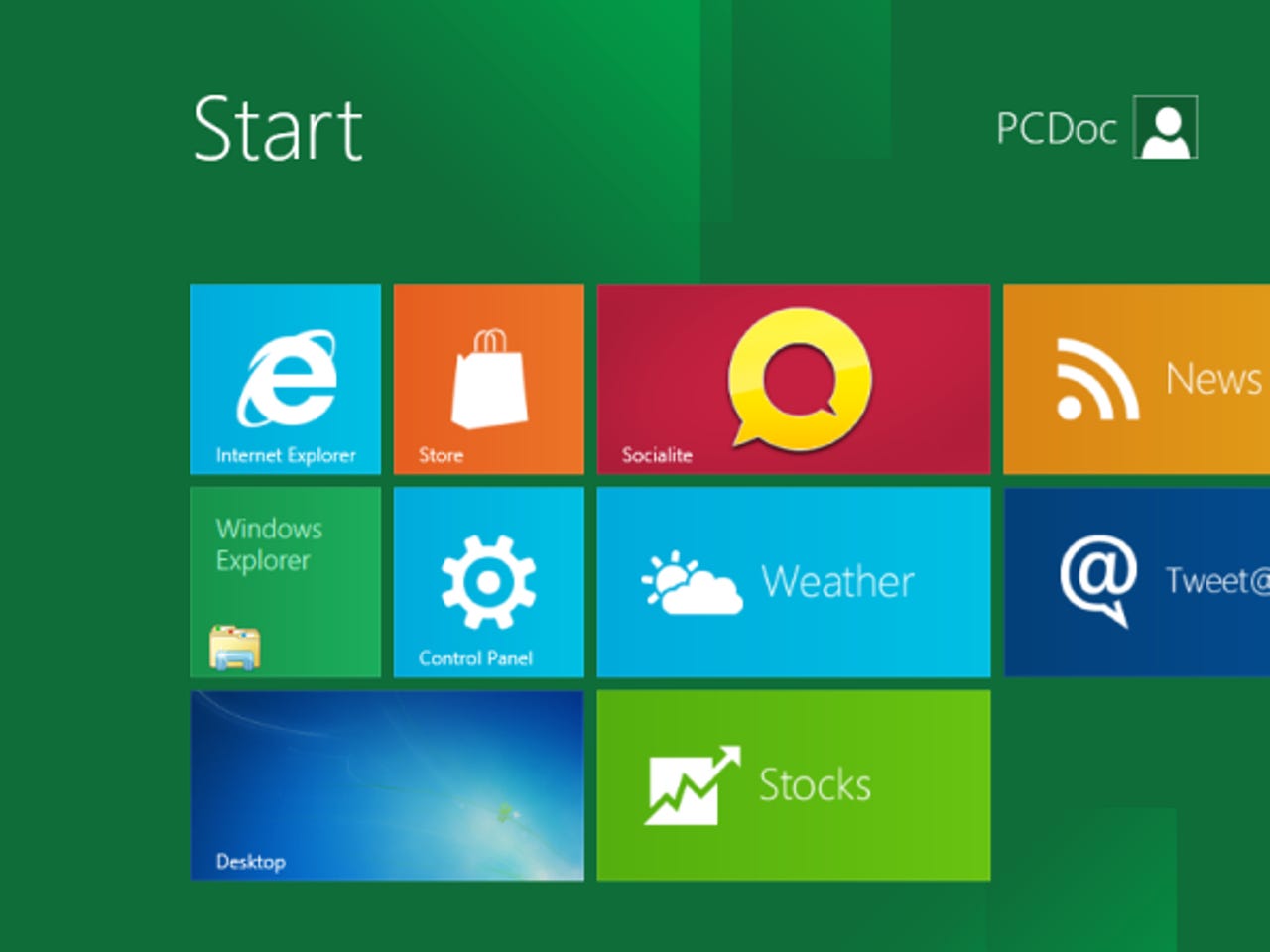
Click here to view the Windows 8 installation walk-through gallery

Another question I’m being asked is how can you install this into a virtual machine rather than dedicating an entire PC to the operations.

Here’s how!

Note: Your PC must support hardware virtualization for this to work.

  1. Download and install VirtualBox (I’m using this because it’s free so you don’t have to shell out on virtualization software … don’t say I never give you anything!).
  2. Download the Windows 8 ISO from here. So far I’ve only tested this with the 32-bit ISO.
  3. Create a new VirtualBox virtual machine. Call it whatever you want but select Windows 7 as the OS type.
  4. In the Motherboard tab under System, check Enable IO APIC.
  5. In the Processor tab under System, check Enable PAE/NX.
  6. In the Acceleration tab under System, check Enable VT-x/AMD-V and Enable Nested Paging.
  7. In the Video tab under Display, check Enable 2D acceleration.
  8. Remember to mount the Windows 8 .ISO file you downloaded and you’re good to go!

Bonus!

Want to know how to disable the Metro UI? You need to go digging in the registry. Go to:

HKEY_CURRENT_USER\Software\Microsoft\Windows\CurrentVersion\Explorer\

Change the value of RPEnabled from 1 to 0.

Job done!

I’m deep in Windows 8 stuff right now, so if you have a question, post it in the TalkBack and I’ll do my best to answer it.

Kick off your day with ZDNet's daily e-mail newsletter. It's the freshest tech news and opinion, served hot. Get it.

Topics

Adrian Kingsley-Hughes is an internationally published technology author who has devoted over a decade to helping users get the most from technology.

Disclosure

Adrian Kingsley-Hughes

All opinions expressed on Hardware 2.0 are those of Adrian Kingsley-Hughes. Every effort is made to ensure that the information posted is accurate. If you have any comments, queries or corrections, please contact Adrian via the email link here. Any possible conflicts of interest will be posted below. [Updated: February 23, 2010] - Adrian Kingsley-Hughes has no business relationships, affiliations, investments, or other actual/potential conflicts of interest relating to the content posted so far on this blog.

Biography

Adrian Kingsley-Hughes

Adrian Kingsley-Hughes is an internationally published technology author who has devoted over a decade to helping users get the most from technology -- whether that be by learning to program, building a PC from a pile of parts, or helping them get the most from their new MP3 player or digital camera.

Adrian has authored/co-authored technical books on a variety of topics, ranging from programming to building and maintaining PCs. His most recent books include "Build the Ultimate Custom PC", "Beginning Programming" and "The PC Doctor's Fix It Yourself Guide". He has also written training manuals that have been used by a number of Fortune 500 companies.

Adrian also runs a popular blog under the name The PC Doctor, where he covers a range of computer-related topics -- from security to repairing and upgrading.

Talkback Most Recent of 54 Talkback(s)

Talkback - Tell Us What You Think

Formatting +
BB Codes - Note: HTML is not supported in forums
  • [b] Bold [/b]
  • [i] Italic [/i]
  • [u] Underline [/u]
  • [s] Strikethrough [/s]
  • [q] "Quote" [/q]
  • [ol][*] 1. Ordered List [/ol]
  • [ul][*] · Unordered List [/ul]
  • [pre] Preformat [/pre]
  • [quote] "Blockquote" [/quote]
Click Here

The best of ZDNet, delivered

ZDNet Newsletters

Get the best of ZDNet delivered straight to your inbox

Facebook Activity

White Papers, Webcasts, & Resources