Getting a Nexus 7 ready to do serious work

Introduction
Regular readers will know that I'm a pretty agnostic guy when it comes to platforms. My background is in Windows, but in recent years, I've spread my wings and added Linux, OS X, and iOS to my kit. However, one platform that I had yet to adopt for day-to-day usage was Android. I didn't see a space for it. I had a notebook, which used to be Windows, but is now OS X, an iPhone, and an iPad.
Until now.
I've had a hankering for a 7-inch tablet, and while the iPad Mini seemed the most logical choice — the iPhone and iPad meant that I was already deep in the iOS ecosystem and heavily invested in apps — I wanted something different than just an iPad hit with a blast from a shrink ray.
Cut a long story short, I bought a Nexus 7. I chose this tablet because it offered the purest Android experience possible. I had almost bought an Amazon Kindle Fire HD — a fantastic tablet with a great set of speakers — but it's just too tied to the Amazon ecosystem.
But the purchase of a Nexus 7 meant that I needed to get it ready to do some serious work. This meant getting some additional hardware and software. Here's what I did to get my tablet ready for Monday morning.
Case
I'm harsh on my kit, so a case was in order. There are literally hundreds of cases available for the Nexus 7, so this makes getting a good one a bit of a hit or miss affair. Ideally, I wish that Amazon made a case for the Nexus 7, because it's custom case for the Kindle and Kindle Fire tablets are amazing — albeit pricy.
In the end, I went for an HHI UrbanFlip in faux carbon fiber.
Price: $8.99
Case
Not only is the HHI UrbanFlip a great case, offering the tablet a fair degree of protection, it also doubles as a viewing stand. The case also incorporates strategically placed magnets that keeps the case shut and switches the tablet off, helping to save precious battery life.
A good case, which I highly recommend.
SplashID
The first thing I needed on the Nexus 7 was my passwords. I've standardized with SplashID on Windows, OS X, and iOS, so it was the ideal choice for Android.
The Android app is far from ideal. It's not as fully-featured as it is on other platforms, and the $9.99 price tag is a bit steep, but it got me going.
Price: $9.99.
Evernote
Undeterred by the recent intrusion into Evernote's servers, I installed the app onto my Nexus 7. I'm an Evernote premium member, and make a great deal of use of it.
This app allows me to keep all of my work in one place, and get easy access to it, no matter what device I'm on.
Price: Free.
SwiftKey Tablet
Yes, the Nexus 7's built-in on-screen keyboard is nice, but SwiftKey is light-years better. Not only does it have an uncanny ability to know what the word you're typing is, the gestural system allows you to type without lifting a finger off the screen.
It sounds complicated, but I assure you, it isn't, because if it was, I wouldn't be using it.
Price: $3.99
OfficeSuite Pro 7 (PDF + HD)
Having to handle Office documents are an inevitable fact of life for me, so I need something that can allow me to create and edit Word, Excel, and PowerPoint documents.
OfficeSuite Pro 7 does just that, while also throwing in the ability to view PDF files.
A solid, reliable app.
OfficeSuite Pro 7 (PDF + HD) for Android
Price: $14.99
File Manager HD
I need a file manager because ... well, because I can't have one on iOS, and I happen to like rooting through the file system.
I went for File Manager HD, not only because it was cheap, but because it does what it says it will do on the tin, and also integrates with cloud services such as Dropbox, Box, Google Drive, SkyDrive, and SugarSync.
Price: Free
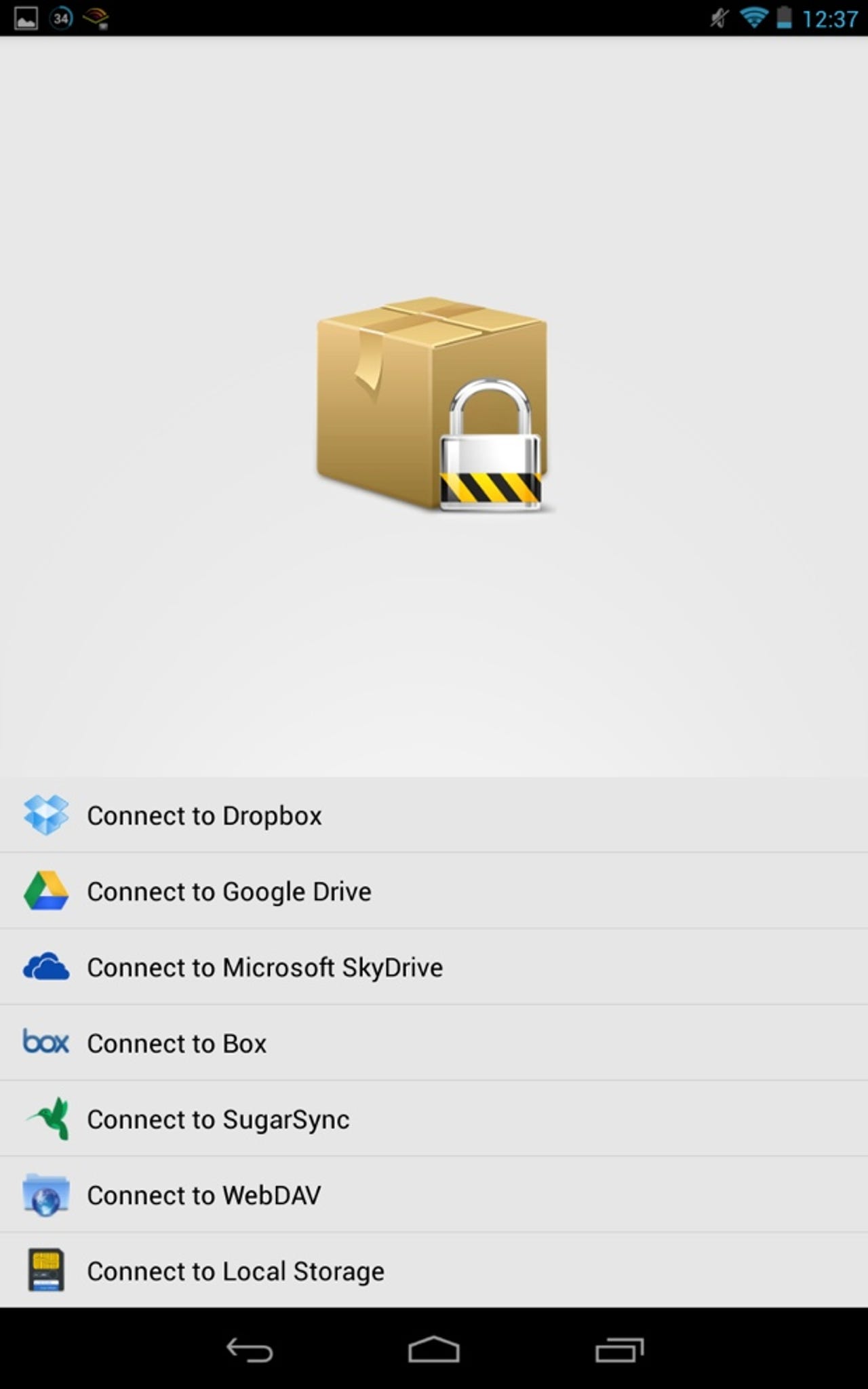
BoxCryptor
I'm not paranoid, but I think that putting things in the cloud without encryption is just plain asking for trouble, especially if that information is sensitive.
Enter BoxCryptor. What does it do? It is encryption software optimized for Dropbox, Google Drive, and Microsoft SkyDrive. With BoxCryptor for Android, your AES-256 encrypted Dropbox, Google Drive, or Microsoft SkyDrive folder can be easily accessed from your Android device.
Price: Free
AVG Mobile AntiVirus Security Pro
I'm not overly concerned with mobile viruses, but I'm also careful enough to like the idea of a little extra protection.
AVG Mobile AntiVirus Security Pro not only offers protection against malware, but also gives me the ability to remotely lock and find my Nexus 7 if I leave it in a bar somewhere. And if someone else decides to take it, I can make the errant tablet emit an ear shattering noise, even if muted, or even remotely wipe it if the worst comes to worst.
AVG Mobile AntiVirus Security Pro for Android
Price: $14.99
WiFi Analyzer
A bit geeky, and mostly unnecessary, but I like to know what wi-fi channels are the best around me so I can best configure my hardware.
Price: Free