Linux Mint Debian update pack 5 shows maturity

With relatively little fanfare, Linux Mint Debian Edition Update Pack 5 was released on Monday last week. It is a sign of the improving stability and maturity of this distribution that unlike previous Update Packs, this one brings only incremental updates — albeit lots of them — rather than the eagerly awaited and badly needed bug fixes and distribution changes that have come before it.
On the four systems I have updated so far, the download was between 900MB and 1GB, and it took quite a while to install — 30 to 60 minutes after the download completed. If you prefer to wait for updated ISO images incorporating this Update Pack, the Linux Mint teams said in their release announcement that those should become available over the next "weeks or months".
There are a couple of significant points to be aware of after the installation, which are mentioned in the Update Pack Notes at the top of the Mint Update window.
First — persumably as a bit of housekeeping and to make future package management easier — two new meta-packages have been added. If you are using the Cinnamon desktop, you should add mint-meta-debian-cinnamon, and if you are using MATE, you should add mint-meta-debian-mate in the Synaptic package manager.
After you have done that, if you lose your desktop background (it is black), simply right-click on the desktop and select the background again — even if it is just the default background, as mine is.
As mentioned, I have installed this Update Pack on four of my notebook and netbook systems so far, covering a variety of CPUs from both Intel Core 2 Duo through Atom and AMD C-60 and E-350, with Intel native and AMD Radeon graphic controllers; screens from 1024x600 netbooks, 1366x768 sub-notebooks and 1280x800 notebooks, and a second external VGA 1280x1024 or HDMI 1920x1080; and wireless networking adapters from Inet, Broadcom, Ralink and Atheros.
I did not encounter any hardware compatibility problems and did not have to manually download any additional drivers.
I am unable to include much of a list of specific updates in this Update Pack — that seems a bit strange to say, for such a large download. Neither the release announcement nor the Update Pack description itself gives much information.
There is a small step in the Linux kernel from 3.2.0-2 to -3, some updates to Xorg to server 1.12.1, and LibreOffice is updated to 3.5.4.2. Oddly, Firefox is not yet updated to 15.0.1. It is still on 14.0.1 but I assume this won't last long.
When I was adding the meta-packages for Cinnamon and MATE, I noticed that there was also one for Xfce, so I added that as well. Now, in the mdm login screen — Linux Mint uses the MintDesktopManager rather than the Gnome gdm or Ubuntu lightdm — under the Sessions button, I can select Cinnamon, MATE, Xfce, Gnome 3 or Gnome Classic. Nice.
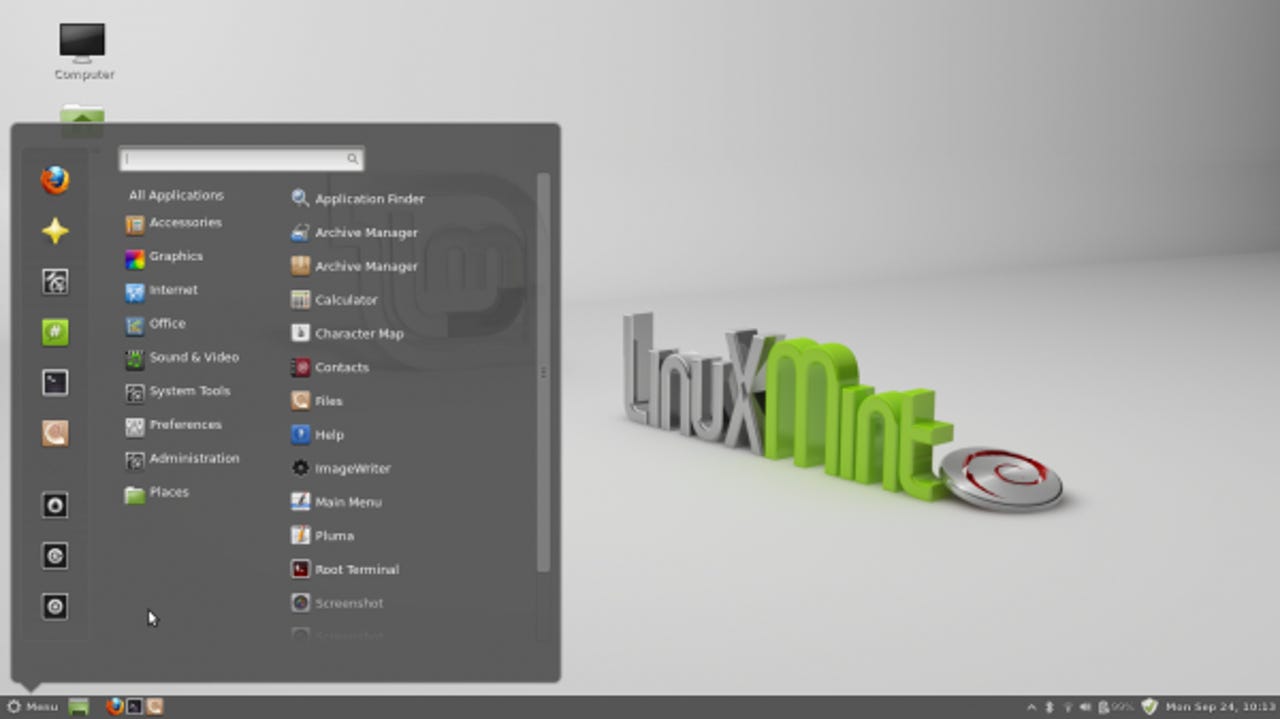
If you are currently running Linux Mint Debian Edition, you should install this Update Pack. If you have not yet installed LMDE but are interested in trying it, you certainly can install the latest ISO image and then the Update Pack. But considering the time and effort involved, waiting for the new ISOs that will already include this Update Pack would not be such a bad idea either.