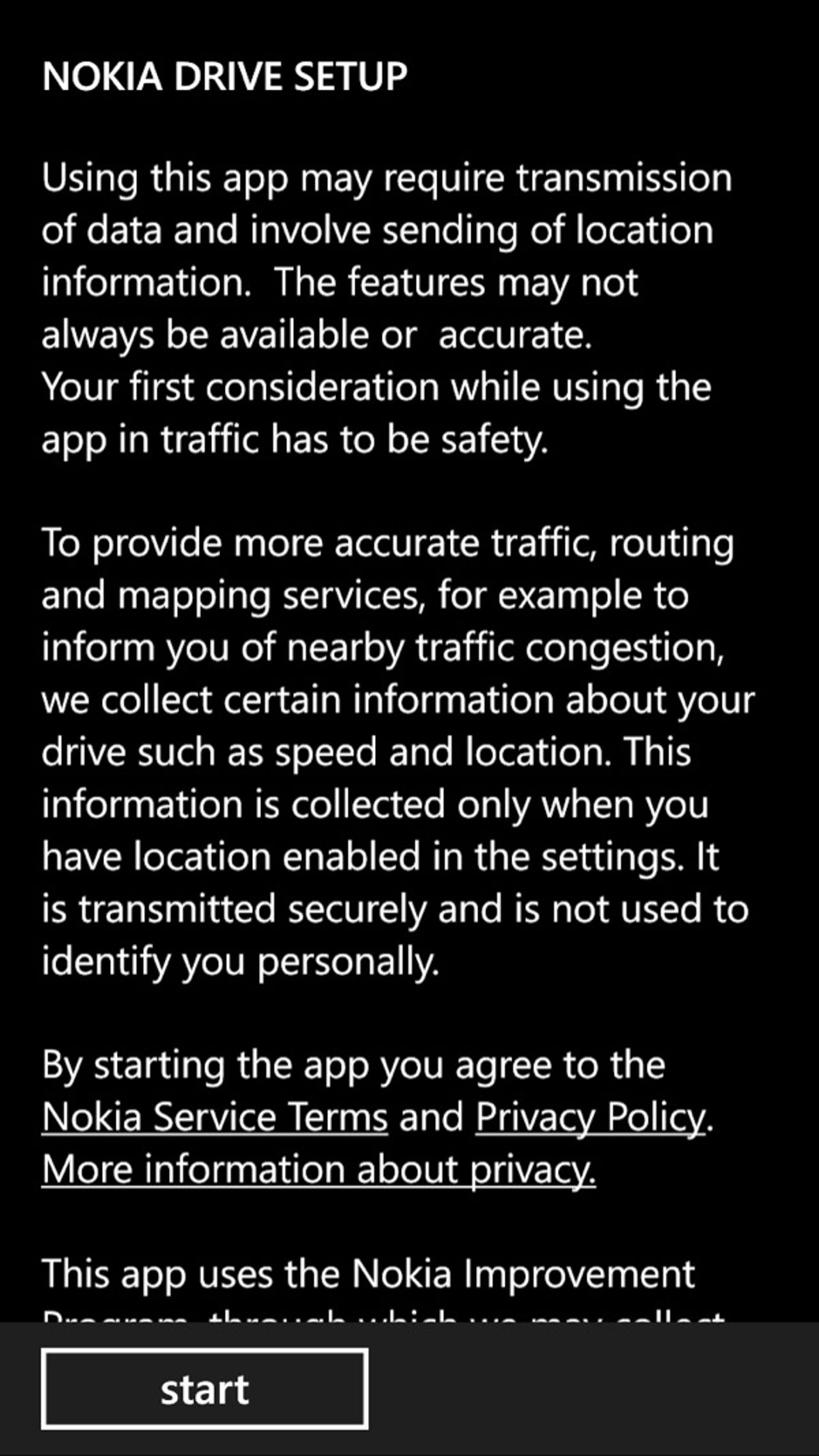
Navigating with Nokia Drive+ Beta on the HTC 8X (screenshot gallery)

Nokia Drive+ Beta now available for other WP8 devices
Yesterday Mary Jo posted the news about the release of Nokia Drive+ Beta for WP8 users in the US, UK, and Canada. Nokia and Microsoft stated last year that Nokia Drive would be offered to all WP8 partners and now we are finally seeing its availability.
Nokia Drive was a feature that made Nokia Lumia devices unique, but even with it rolling out to other WP8 devices I think there are still enough innovative features of the Nokia Lumia line to stand out from others. I enjoy the HTC 8X form factor, but it was a MAJOR failure to conduct a Bing Search and then not be able to navigate to a destination. When an address appears in Bing Search results, there is a line under drive that states "use an app". Prior to this Nokia Drive release tapping this on my 8X did nothing. With Windows Phone 7, Bing Maps would at least open up and start a limited turn-by-turn method that required you to physically tap on the display to make each turn.
Offline maps are supported so with this new Nokia Drive application you can navigate without a data connection. You have the option to navigate in 2D or 3D mode.