The 20 best back-to-school laptops

You can't put it off much longer. College or high school starts in weeks and you or your kid needs a great machine to kick off the year in the right direction. Here's a gallery of the top 20 laptops that are available right now, according to CNET's Dan Ackerman. No clunkers allowed. They're listed from most expensive to cheapest to help you find the price you'd like to spend.
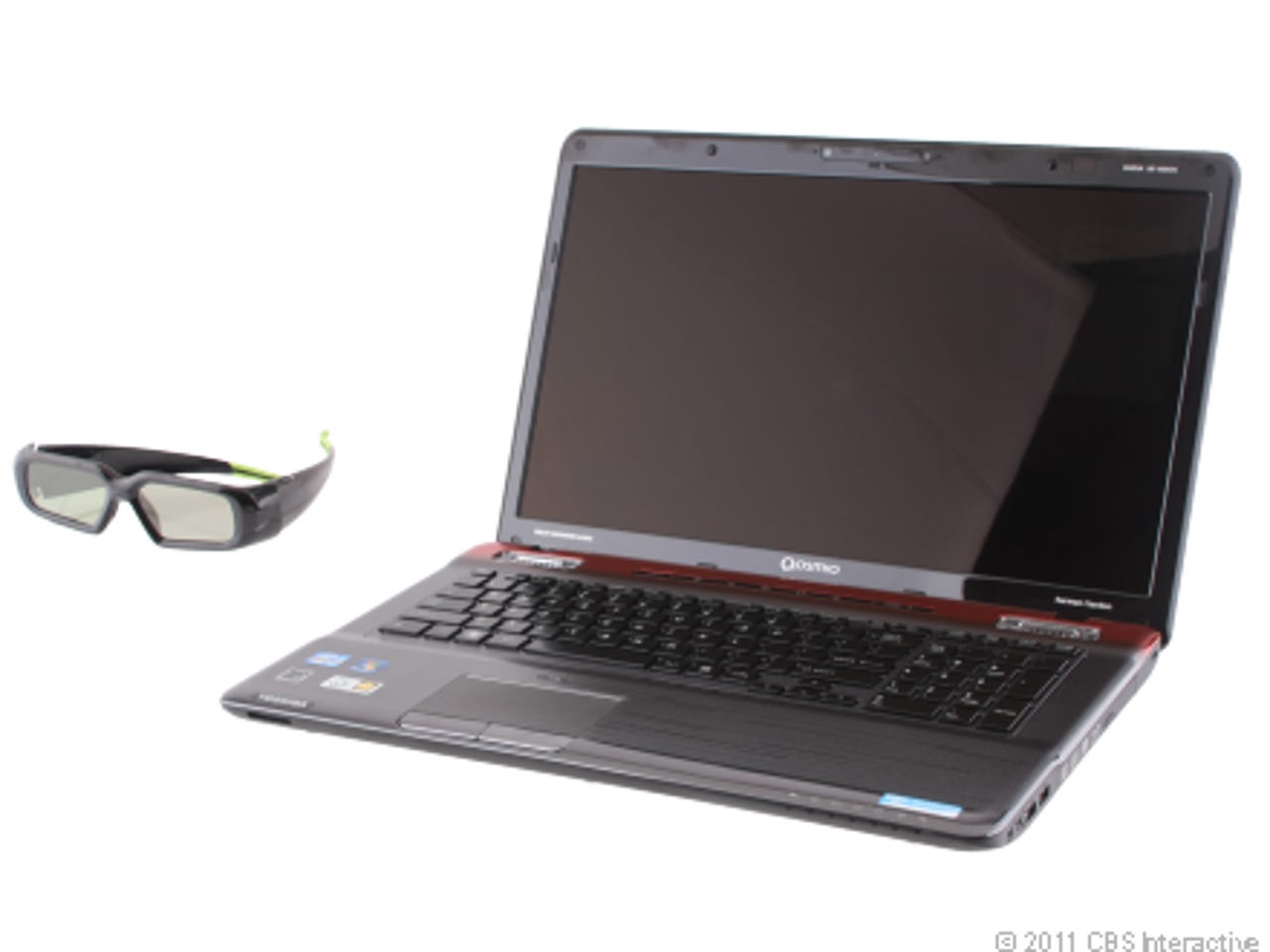
Rating 79. Price $1,899 Those in the market to spend more than $1,000 and get a 3D-enabled, Blu-ray-equipped laptop with plenty of horsepower for games should strongly consider Toshiba's latest high-end Qosmio. It's not cheap or portable by any means, but it's certainly powerful. Read reviews.
For more blogs and galleries about getting ready for school, check out ZDNet's Back to School Special Reportand CNET's Back to School Buying Guide.
Prices listed are for comparison only. Most laptops can be customized which may greatly alter their price. Shop around and you'll probably be able to find a better deal. Reviews include up-to-date prices and shopping links.
Samsung Series 9 NP900X3A (13-inch)
Rating 8.2. Price $1,649 The $1,649 Samsung Series 9 NP900X3A certainly won't be for every wallet, but this light, well-featured, and striking 13-incher is the closest the Windows world will ever come to a MacBook Air. However, its higher-than-the-Air price might be hard to stomach.Read reviews.
Rating 7.6. Price $1,599 The 18-inch Acer Aspire Ethos AS8951G is a huge multimedia powerhouse laptop with a unique removable touch-pad remote control. It's a clever idea, but one that might be ahead of its time. Read reviews.
Apple MacBook Air (13-inch, Summer 2011)
Rating 9.3. Price $1,299 The latest version of the 13-inch MacBook Air vastly outperforms its predecessor, and can finally be called suitable for mainstream use, instead of relegated as a niche product. Read reviews.
Apple MacBook Pro Winter 2011 (2.3GHz Core i5, 13-inch)
Rating 8.4. Price $1,199 The new entry-level $1,199 13-inch MacBook Pro's significant CPU updates and fantastic battery life are nearly as good as what you get in the more expensive $1,499 version. Read reviews.
Rating 8.2. Price, 1,099 Don't be fooled by its unchanged looks: the 2011 Alienware M11x makes big leaps forward in performance, graphics, and battery life, while keeping a reasonable price. Anyone looking for a portable gaming-ready laptop will have a hard time resisting the urge to pick one of these up. Read reviews.
Apple MacBook Air (11-inch, Summer 2011)
Rating 9.3. Price $999 This year's 11-inch MacBook Air improves on last year's model in several significant ways and is by far the fastest ultraportable you're likely to find, though some users will consider the limited flash storage space to be a hindrance. Read reviews.
Rating 7.9. Price $999 A much-needed update to its internal components makes HP's Envy 14 one of the best high-end laptops for those looking for a PC with the flair of a MacBook. Read reviews.
Rating 8.2. Price $999 The Best Buy-exclusive Toshiba Satellite E305-S1990X is a heck of a 14-inch laptop, offering a rock-solid combination of specs and design for a reasonable price. Read reviews.
Rating 7.5 Price $849 The HP Pavilion dv6t is a solid improvement on HP's previous 15-inch mainstream consumer laptop with numerous tweaks, bells, and whistles, but the wide variety of options means you'll get wildly different systems based on what you can afford. Read reviews.
Rating 8.4. Price $819 Balancing between ultraportable and full-size laptop, the 12-inch ThinkPad Edge E220s offers an exceedingly compact computing experience matched by an upscale design, marred only by subpar battery life. Read reviews.
Rating 8.7 Price $799 With three more hours of battery life over last year's model, Toshiba's new R800 series of Portege laptops are hard to beat, even in the highly competitive 13-inch laptop category. Read reviews.
Sony Vaio EB Series VPC-EB44FX/WI
Rating 7.0. Price $799 Sony's Vaio line of laptops, including the midpriced EB series, look great and include some high-end features--we just wish the CPU had been updated for the sake of better battery life. Read reviews.
Acer Aspire TimelineX AS3830TG-6431
Rating 8.0 Price $779 The aggressively priced Acer Aspire TimelineX 3830TG-6431's combination of gaming-ready graphics and a fast processor in a 13-inch body offers a great punch for a good price, provided you can live without a DVD drive. Read reviews.
Rating 7.6. Price $679 Dell's Inspiron 15R is an attractively priced budget consumer laptop with a welcome set of up-to-date features and design options, but beware of the cost of customizations. Read reviews.
Rating 6.4 Price $619 Though not particularly inspiring, the basic 15-inch Toshiba Satellite L655 has a current-gen CPU and can be found for around $600, making it a worthwhile budget choice. Read reviews.
Rating 6.0. Price $469 Taking a CPU intended for an 11-inch ultraportable and sticking it in a midsize system can potentially be a recipe for disaster. Gateway's 15-inch AMD Fusion-based NV51B05u avoids any major problems, but it could be better. Read reviews.
Rating 7.7. Price $450 The first laptop to offer AMD's power-efficient Fusion platform delivers on much of its promise, combining great battery life, decent performance, and basic graphics for less than $500. Read reviews.
Rating 7.7. Price $449 Asus updates the Eee PC line with AMD's excellent ultraportable CPU, making for a powerful, portable package, but the field is getting crowded in this category. Read reviews.
Rating 8.1. Price $397 The Acer Aspire One 722-BZ608 is a budget-priced 11-inch laptop that's more powerful than a Netbook, but not as fast as some higher-priced 11-inch alternatives. Better options are out there for a little more money. Read reviews.