Seven 'must-have' apps for your new Mac

Summary: Starting with a brand-new, blank system can be daunting, but with only seven downloads, I've transformed a new MacBook Pro into a system ready to do some serious work.
I've just taken delivery of my new 15-inch MacBook Pro with Retina display. It's a lovely machine but, given that I spend so much of my time within Windows, it is taking some getting used to.
However, I'm eager to start doing some real work on my new Mac as quickly as possible, and in order to do that I've downloaded and installed a number of must-have apps onto my system. These apps have enabled me to turn my new system into a work machine in under an hour.
Here is my list of seven must-have apps for the Mac.
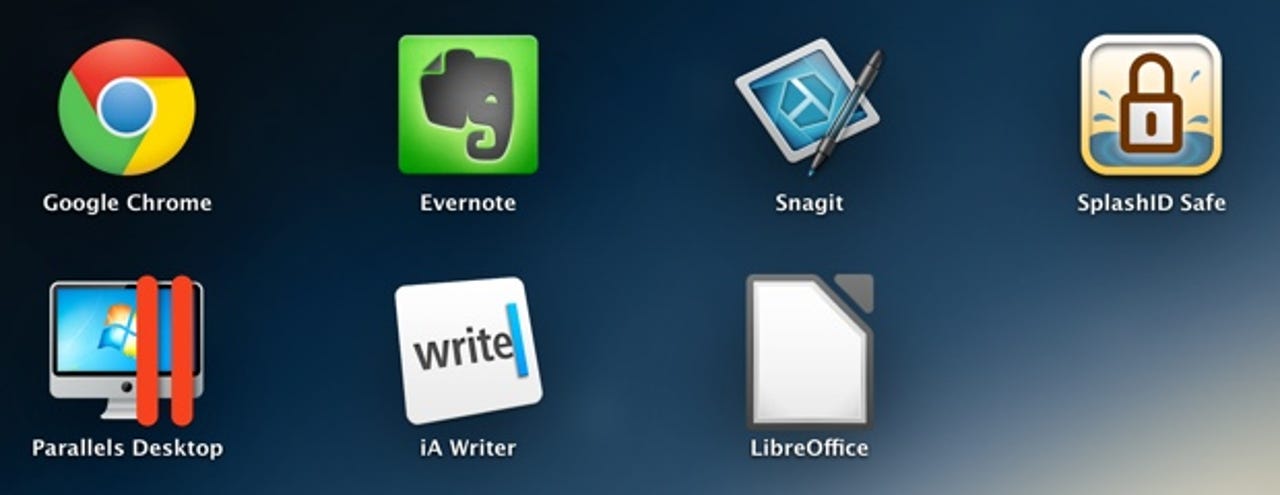
Google Chrome
I'm no fan of the Safari browser, so the first thing I did was bin it in favor of Google's Chrome browser. This is my browser of choice on all platforms--Windows, Mac, Linux, iOS, and Android.
Price: Free
Evernote
This app is the cornerstone of my work day on all the platforms I use. I use it to store ideas, notes, work in progress, notes, and much more. Everything I need to remember goes into Evernote, and is synced automatically across all my devices for easy access whenever I need it.
Price: Free
Snagit

I take a lot of screen captures in a day, and over a year this must amount to thousands in all. Because of this, I need a screen-capture tool that I can rely on, and the tool I've come to rely on is Snagit.
Snagit comes with quite a hefty price tag, but it's a price I don't mind paying in order to be able to effortlessly take and process screen captures.
Price: $49.99
SplashID
It's a good idea to have all your passwords stored in a single, secure location. I've standardized SplashID on my Windows and iOS systems, so it seems like a good idea for the Mac.
To get me going quickly, SplashID even allowed me to sync the data I already had on my devices with the Mac, eliminating the need to move data files about between systems.
Price: $19.99
Parallels Desktop
One of the reasons I went for a MacBook Pro as a replacement for my old Dell notebook was the fact that it can run Windows as well as OS X. However, the Boot Camp software only allows me to have access to one operating system at a time.
By installing Parallels Desktop, I can access applications and data stored in other operating systems, including Windows 8, Windows 7, Linux, and even Android. This gives me access to a wide range of operating systems from my Mac.
Price: $79.99
iA Writer

The key benefit of iA Writer is that it offers a distraction-free writing environment.
Not convinced that there can be a distraction-free writing environment? Try it and see the difference. I wasn't convinced initially, but having a writing environment that's free of toolbars and menus, and allows you to focus on just the writing, is a massive productivity booster.
Price: $4.99
LibreOffice
Word processing, spreadsheets, presentation software, and more, all in a single suite. A fantastic--and free--alternative to Microsoft's Office.
If you need to handle Office documents--and who doesn't--then LibreOffice is a great addition to your Mac.
Note: If you'd rather limit your exposure to Java then you might want replace LibreOffice with Apple's suite of apps (Pages, Numbers, etc) or grab a copy of Microsoft Office for Mac.
Price: Free
Kick off your day with ZDNet's daily email newsletter. It's the freshest tech news and opinion, served hot. Get it.
Talkback
Okay start by
If you capture whole web pages or record screens then you might need Snagit but, if not, then it is overkill!
SnagIT is a great tool.
The screen capture task itself is far more smooth and flexible, and you couple that with the annotation tools built into the editor, and you never want to go back to the built-in screen capture again.
Agreed
Maybe So
Then again, I can go and research the features and make my own decision. But, I don't need screen shots very much for my productivity.
Which brings me to the point I really had. I have two of these and VMWare Fusion instead of Parallels. Or in the implicit terms of this post, I am 57% non-serious. (I have LibreOffice though I use OpenOffice.org more, and Chrome, though I use Safari and Camino more.) Okay, all over-sensitivity is simulated for dramatic effect.
My list would include Microsoft Remote Desktop, Final Cut Pro X, Pixelmator, DrRacket, NetBeans, BBEdit, PostgreSQL (one will have to download from the project site and tweak $PATH so as to prioritize over the version included with Mountain Lion.), and VMWare Fusion ( with a Windows license and a Xubuntu guest). Those applications (and quite a few that come out of the OS X box) and a fair to middling knowledge of unix tools and bash/tcsh help me get things done. But, let's be clear, my adoption of the OS X platform is neither a dabble nor recent. If one is loving their Windows (or Chromebook or Linux or Haiku) tools and applications, there's no need to taste-test OS X. If one does have to build a productive environment in an unfamiliar platform, seek out the ones who've been through a few cycles of its evolution, otherwise, one is likely to attempt to recreate one platform in another, and it is very likely to be a disappointment.
I like SnagIt
Thanks...
OpenOffice is OK
Dia & Great feature of Parallels & Fusion
Also, have a look at Dia for doing Visio-type work. It's free. (Not an ad.)
I don't get why bloggers love Chrome so much
No
Not really "must have"
SnagIt—I'm sure it's a fine application but the Mac already has excellent screenshot functionality built-in. See Help for tips and check out the built-in Preview for even more.
SplashID Safe—Again, I prefer the built-in Keychain Utility. Everything in one system-supported place and automatic.
The others are okay but hardly what I personally would call "must haves."
My apps
Been using SnapzProX for years to do my video captures. I like 1Password and it to syncs with all my other devices.
I use Fusion. I'm not sure if Parallels does this or not because I switch a few years ago to Fusion but I like the ability of doing a complete setup in Boot Camp and then in Fusion point to that partition as my Fusion Windows. This is useful because whatever you do in Fusion it's there when going to Boot Camp. One Windows to rule them all.
Java Insecurity Only Affects Applets Running In Web Browsers
Errrr?
Figures. Article is from Adrian.
Why??