5 Tablets for Back to School

by James Kendrick | July 19, 2011 7:20am PDT | Image 1 of 10
Previous | Next
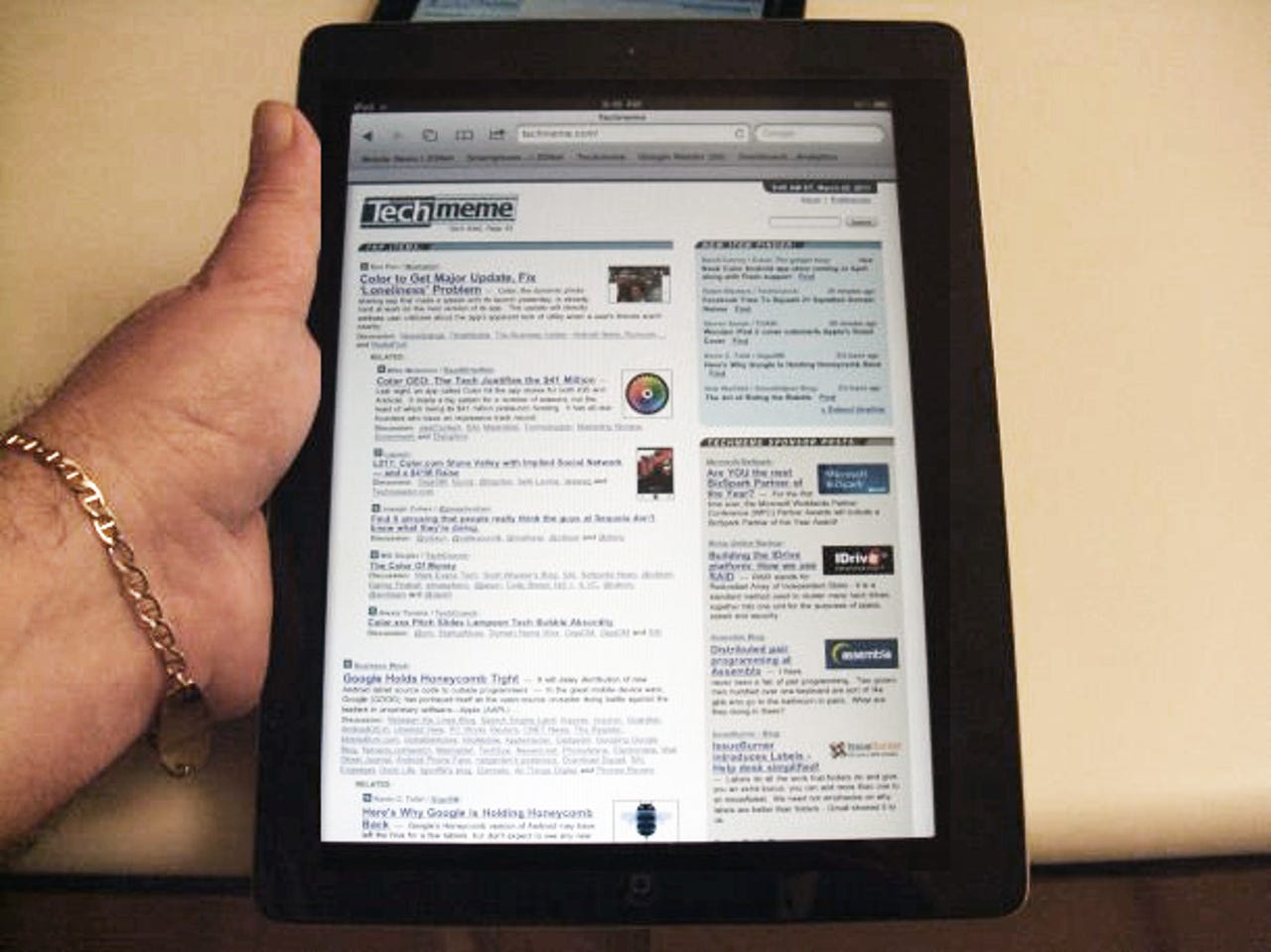
Apple iPad 2
The iPad 2 is the tablet that will work for any student wishing to take it out of the box and get busy. There are thousands of apps available in the Apple App Store to round out the user experience, and the long battery life will keep your student working on the iPad all day.
Don't miss our coverage of the entire tablet world on ZDNet Mobile News.
Just In
For the $650 for a tablet and a keyboard one can get a darn good laptop, an I5 with 6gb ram, a 750 gb drive and a dedicated video card. Plus the ability to run office plus specialist software used for your major. There really is no comparison functionally. A tablet is a convenience for games, tweets, emails and streaming. Good for socializing and leisure and some study/work. But a laptop or desktop can do much more. In fact, a netbook, at half the price of a tablet, plus an inexpensive keyboard can do much more.
For the adventurous, a small form factor linux laptop is the most cost effective option yet. It can do anything needed for undergraduate school at one-third to one-fourth the price and leave money in the bank for other technology, games or whatever else you need. For those who are insecure, Wine can run office 2003 and Crossover can run office 2007 under linux. A distribution like Ubuntu Ultimate or Mint includes all the drivers and additional programs you need to run, rip and record your media. There is even a bunch of software for running windows games in Linux.
With that kind of laptop you will be running to class to try and grab one of the few power outlets. Please don't be one of those people. If you want/need a laptop in class get something decent, not a budget laptop that gets 2 hours of battery life on a good day and weighs over 5 pounds.
And as for netbooks, I used one in class for 2 weeks and was constantly annoyed at its speed and small screen size.
I run a full Linux distro, Mandriva, on my netbook. I can also dual boot to Android X86 with full hardware support. Touch screen and keyboard with full hardware support, 3G and WiFi all working!
So I have a portable device with everything my main desktop can do as well as access to the Android market apps for quick tasks when I don't need the full desktop experience. Win win!
As James stated in the article, a tablet makes an excellent companion to a laptop. Thus you can review and read on the tablet while taking notes on the laptop comfortably and not miss a thing. The annoyance is when you have a 10-14 inch laptop screen and you are trying to follow along with pdf or word documents with the professor while taking notes on a laptop. You have to end up either switching back and forth or doing split screen which makes for tiny type.
My personal issue is trying to multitask on a smaller laptop screen is not an enjoyable experience for me. The tablet allows me to carry that lighter smaller laptop and not miss the screen real estate
Mo way is a tablet an acceptable e reader. I have an IPad and it is a waste of space, No power to do anything useful, not very useful for taking notes. I use an Iphone and laptop with a dedicated e reader. The backlit screens are hard on the eyes
Agreed. You want your child to be productive not limited by a touch interface that lacks the full functionality of a laptop computer.
Here's my list of 5.
1) Laptop
2) Laptop
3) Laptop
4) Laptop
5) Laptop
I am in need of three netbooks/laptops for myself at Uni and my sons at High School and am grateful for your advice as I was interested in the tablests but not now. Thanks.
My ipad sits in work. I bought the transformer to plop films in, attach USB, attach HDMI easily and to be honest rarely detach the keyboard. I'd rather have the screen for display and touch than a virtual keyboard.
I'll bet you one thing. If Apple made it there would be a whole raft of zealots who'd do a u-turn and like it.
ps Wouldn't it be funny if Apple added a keyboard option; except they'd probably claim a patent on it. Its a funny old world.
The ASUS transformer is quite good and at a price which is the lowest of all available tabs in the market. I like this device so much that I have almost stopped using my laptop as most of the tasks are done on it. With the keyboard dock it is amazing. The battery life is so good that I dont need to charge for 2 days.
It is good if one is a avid reader as you dont need to hold those heavy books anymore
I have never been a fan of an Apple iPAD though it is a good device.
Get a Motion Computing CL900. It runs all your Office apps (typing papers anyone?), any other Windows app (QuickBooks Pro you accountants? PhotoShop anyone?) and it's RUGGED because it will be dropped. Yet for note-taking, you'll use OneNote and a pen. Been a match-made-in-heaven for me (though I have an older LE model with a bigger original price tag, and only semi-rugged).
Until tablets get some sort of comprehensive handwriting application, there's no reason not to get a laptop. Except for the "cool" factor, of course. I see kids in my classes with tablets, and they're using them to have a handheld version of the powerpoint lecture in their laps. Redundant, imo. The students with the laptops also have the lecture up, but they're taking notes, because they have an input device (keyboard).
1. Keyboard for typing more than a short paper
2. Find out what software you need for your classes - odds are it won't exist in tablet app form
3. Ability to print (and don't give me the lame a$$ iOS print function - btdtmo)
All in all, I suspect a good low end notebook is a better option at this stage.
Now if you can get your textbooks on a tablet.....
1. Bluetooth keyboard works well.
2. Yeah, you're probably right unless it is just MS Office compatibility.
3. HP Touchpad prints to most HP printers with no problem.
Just saw a ZDnet article about textbooks being available on Kindle.
I cant think of any reason I'd want to use a tablet or laptop to take notes. Scribbling, hashing, and drawing references is simple on a paper pad...... theres no way I can see the paperless buzz in School or Office despite the number of folk that tell me it's here. Not for me! Scribble it down quickly whilst listening, then tidy it up later and learn at the same time! Seemples !
Personally, I write ten times faster on a keyboard than I do by hand. Furthermore, if I have to write fast by hand, I cannot even read my own scrawl!
This being said, tablets are for passive use like reading a manual or textbook, laptops for active use like writing comments or one's thesis. So personally, I will take as well my iPad 2 as my 13.3" MacBook with to class. The two will even synchronize ...
Tablets have been invaluable to me at college. Yeah there was no word or excel support, but a simple $1 app fixed all that. Never been in a class that required any flash support....
Obviously a tablet can't do everything but it excels at document review and annotation, pretty much replacing all the papers in my bag and no longer requiring me to invest is countless reams of paper and toner.
HP Touchpad will have full edit support for Word and Excel. It already has Flash support. In time, it will only be better. The interface is awesome.
But Johnny (my case Sally), also has a highend laptop back at the apartment to do the heavy lifting.
Pagan jim
The device come with its own productivity suite and and there are others that can be downloaded as well. There are several ebook readers available, many can read the public domain epub formats. With a 5Mpixel back camera and some scan to pdf software you can digitize book or note pages. With the built in remote desktop software I can remotely access and control my desktop computer from my ASUS Transformer tablet/laptop as well. The ASUS Transformer is not an ipad nor is it a general purpose computer. However, it takes the best capabilities of both and does this at a better price point. NOTE: it is a wifi only device today.
Tried the playbook too. Same scenario for me. The size is nice for portability, but it does not meet my computing needs as it stands today. Perhaps if there is an evolution of the product and its capabilities.
Pagan jim
Pagan jim
I got my XBOX 360 for only $10! The website I use is scams.r.us.com!
My bet would be an Android or a Windows Tablet. I did not see the Acer Iconia Tab W500. It is a pretty good tablet, yet with a keyboard, becomes a laptop. And a decent 4 hour battery rounds it nicely.
Join the conversation!
The best of ZDNet, delivered
ZDNet Newsletters
Get the best of ZDNet delivered straight to your inbox